Convert your Figma design to  React
React Vue.js
 Angular
 FlutterReact Native
 SwiftUI
 Electron
 Tauri
Tauri Qt
Qt Svelte / SvelteKit
Designs shouldn’t fight your codebase. Generate UI that respects your frameworks, components, and rules—from the first line of code.
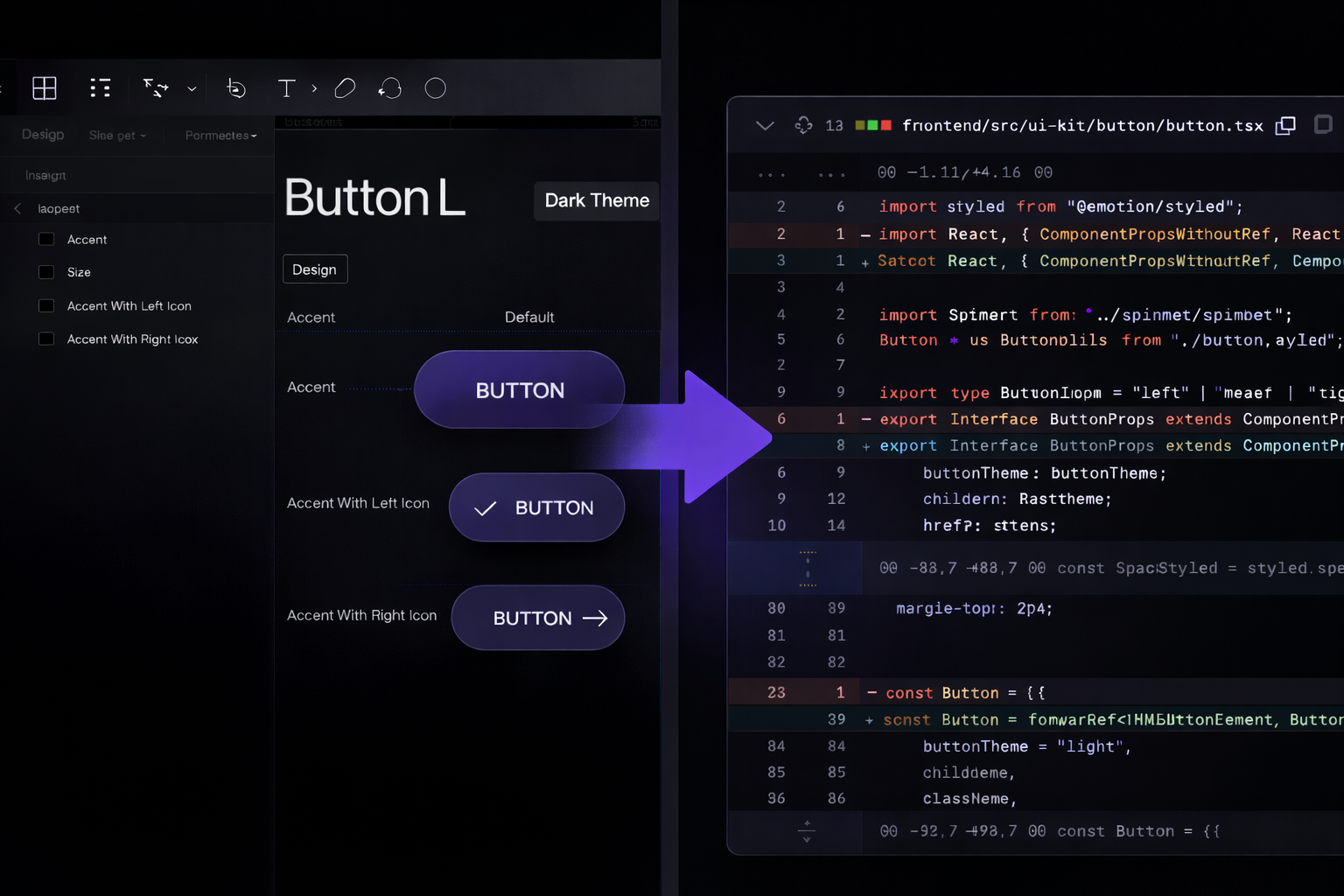
Key Features
Supported All Major UI Frameworks
Generate code that follows their native patterns and best practices.
ReactVue.jsAngularFlutterSwiftUIElectronTauriQtSvelteReactVue.jsAngularFlutterSwiftUIElectronTauriQtSvelte
VS Code supported
Project-aware UI generation, now available inside Visual Studio Code.

Native to Your JetBrains IDE
Seamlessly integrated with IntelliJ IDEA, WebStorm, PyCharm, Android Studio, and the JetBrains ecosystem
Build consistent UI at scale
Every implemented design follows the same rules, keeping the UI consistent across the entire project.
Verify existing UI components
Detect whether required components already exist in the codebase and reuse them instead of creating new ones.
Enforce project style guides
Ensure colors, typography, spacing, and theming follow your project’s design system and style guidelines.
How it works
By combining Figma design with deep project awareness inside JetBrains IDEs or VS Code, it generates UI code that respects your frameworks, components, and APIs from the start.
Authorize Figma in Your IDE
Sign in to Figma directly from your IDE. Select the design you’re working with.
- Always in sync
- Direct access to real design data
- Secure by design
Select the Design You Want to Implement
Choose the screen, component, or design file you’re ready to turn into code.
- Guaranteed alignment with project requirements
- Confidence in component reuse
- Built-in style guide compliance
- Build consistent UI at scale
Generate and Apply Project-Aware UI Code
Generate code that reuses existing components and follows your conventions.
- Faster UI delivery
- Consistent codebase
- No extra tools, no context switching, no generic output